What is the easiest online radio station to set up?
The easiest way to put your own online radio station on air: the steps, how long it really takes, and Nobex Radio compared with Radio.co, RadioKing, Airtime Pro, Live365 and Zeno.FM on setup alone.
Read the transcript
This is Sunset Waves FM. It plays music around the clock, it has its own page and player, and anyone in the world can tune in. A few minutes ago, it didn't exist. Let me show you exactly how I made it, with no software to install. Go to nobexradio.com and click Start a station. Type your name, then your station's name. That's what listeners will see, and you can change it any time. Add your email and a password, and click Continue. First, tell Nobex whose music you'll play. I'm playing other artists' songs, so I pick that, and Nobex spaces out songs by the same artist, the way radio licence rules ask. Then choose your music files. They upload straight away, and Nobex reads each song's title and artist. Only play music you have the rights to. I'm using free, public-domain songs. When your songs are in, click Go on air now. In under a minute, your station is live. AutoDJ plays your library on shuffle, twenty-four seven, on our servers, so you can close your laptop and it keeps playing. Open your listen page and press play. That's your station, live on the internet. Listeners see the song that's playing, and they can send love to the ones they like. Now get listeners. Open Public page, copy your listen link, and share it anywhere. Under Embed, you'll find the code to put your player and your recently played songs on your own website. That's it. Your station is on air. In the next videos, I'll show you how to go live with your own voice, DJ in your browser, and set up AutoDJ like a pro. Start your station at nobexradio.com.
The easiest online radio station to set up is one that needs no server, no encoder and no software: you make an account, choose your music and press one button. Nobex Radio is built that way, and of the new stations that went on air on it between 1 October and 23 November 2026, half were on air within about 5 minutes of the account being created. Radio.co and RadioKing are also easy. The difference is mostly in how you go live and what the entry plan costs, so here are the steps, the real time they take, and an honest comparison.
Who is writing this
Nobex Radio is our platform. Everything about other providers comes from their own websites, read on 25 November 2026, and each entry says where someone else is the better pick. Prices change often, so check them before you pay.
What makes a station easy to set up
- No server. The station runs in the cloud, so it keeps playing when your computer is off.
- No encoder. An encoder is a program you configure with a host, a port, a mount and a password. It is the step that stops most beginners.
- Automation from the first minute. Your songs start playing on their own, without a schedule.
- A page and a player you can share, without building a website.
- A low-risk start. Every new Nobex account starts in free test mode with a real station on air and no card required.Every Nobex plan has a 7-day money-back guarantee: subscribe, put a real station on air the same minute, and cancel within 7 days for a full refund.
Set up your station in four steps
These are the actual steps on Nobex Radio. You need a browser, on a computer or a phone, and at least one audio file you have the right to play. MP3, WAV, FLAC, M4A and OGG all work.
1. Create your account
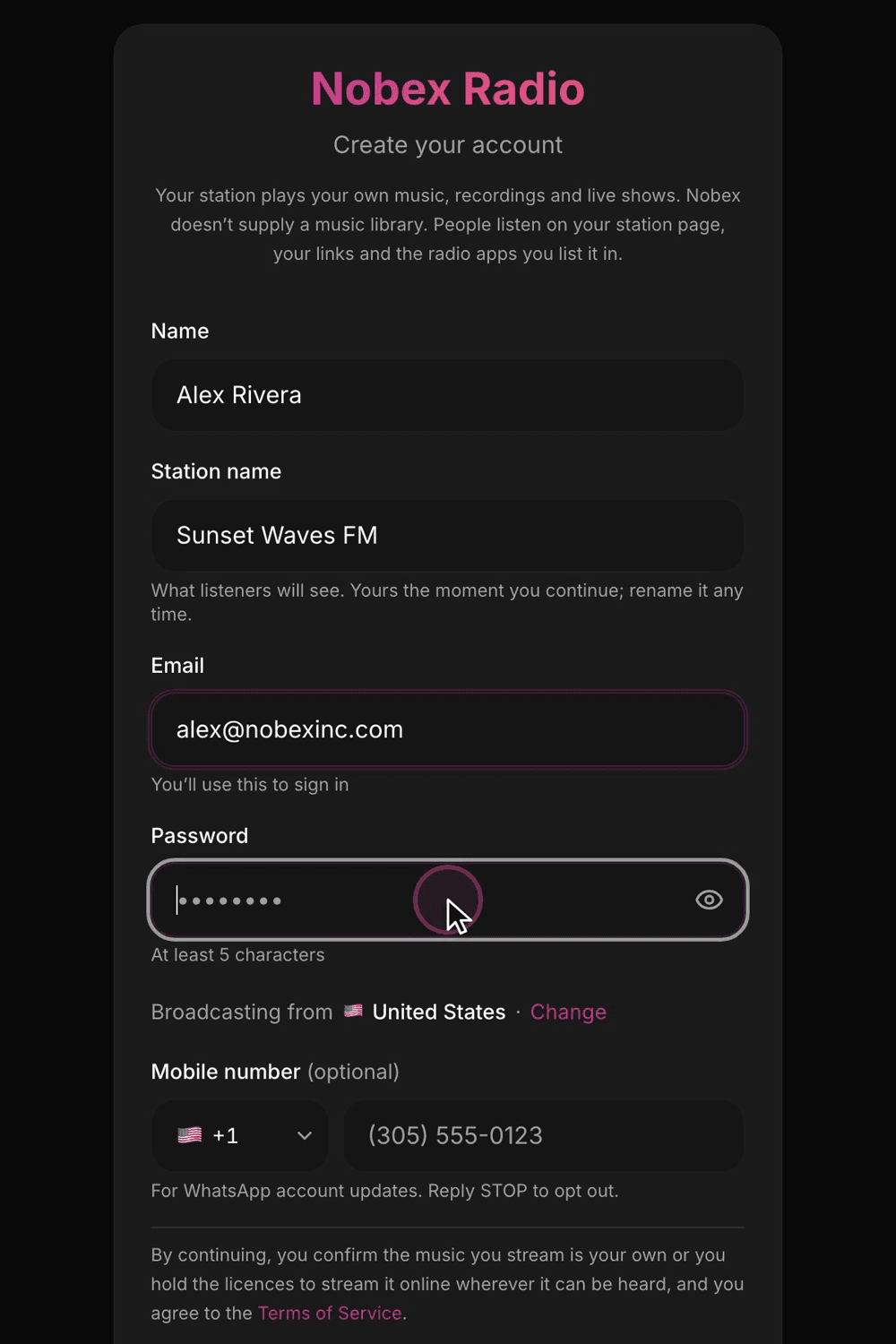
Go to the sign-up page and enter your name, your station’s name, your email and a password. If we email you a code, type it in. You can change the station name later.
2. Say where your music is
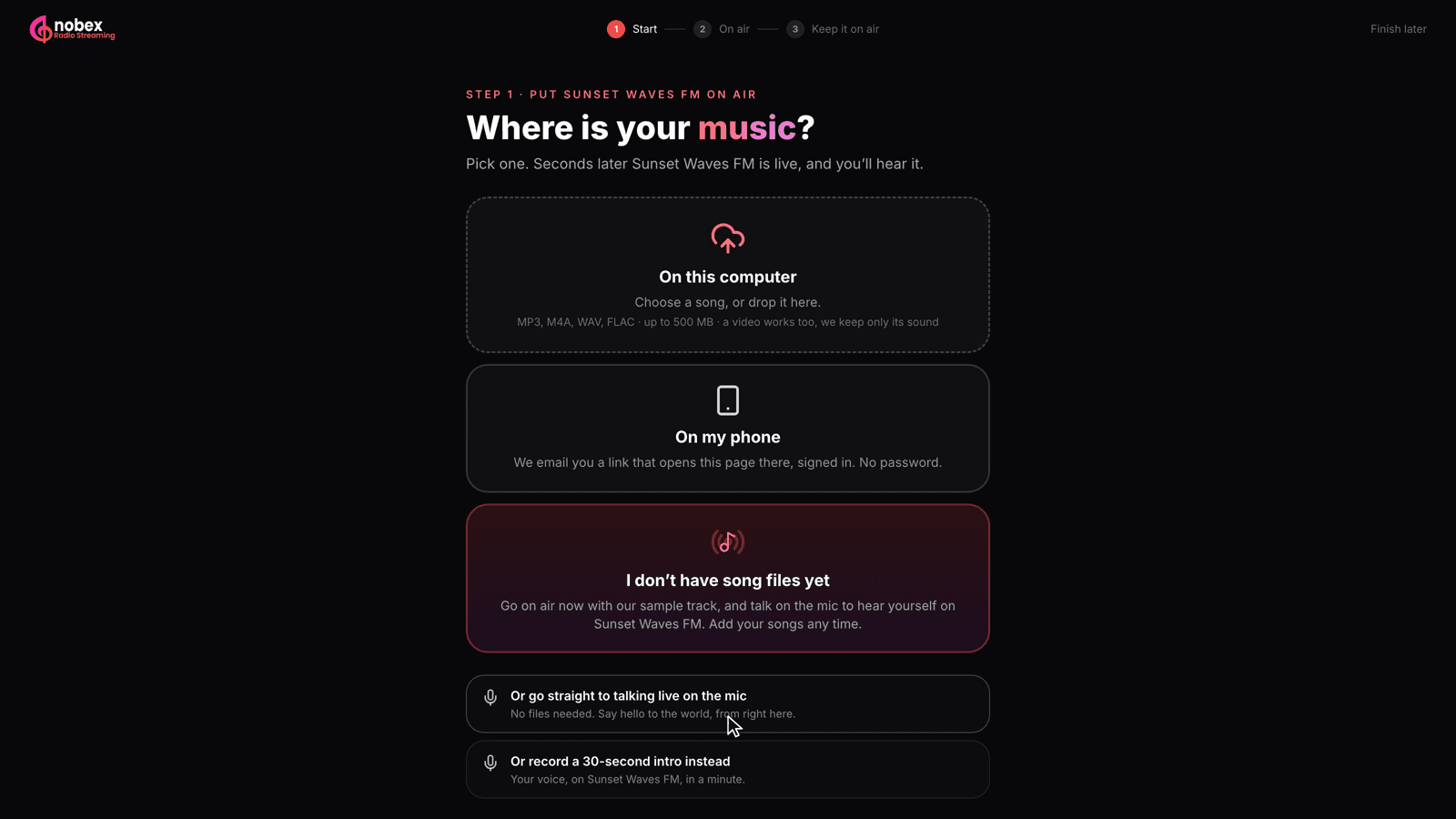
Choose a song from the computer or phone you are on. If your music is on your other device, we email you a link that opens there. No files yet? Go on air with our sample track, or start by talking on your microphone, and add songs later.
3. You are on air
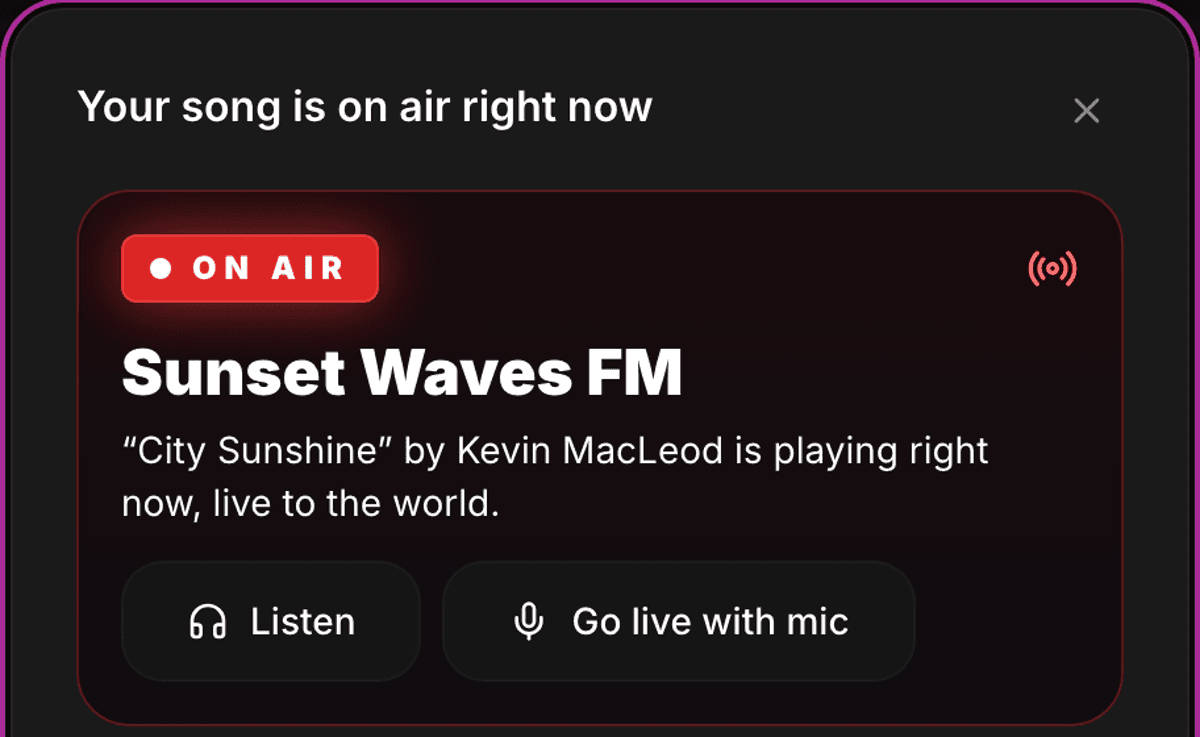
Your station starts in the cloud, usually in under a minute. Cloud AutoDJ plays your library around the clock, and you can close your laptop.
4. Share it, or talk on it
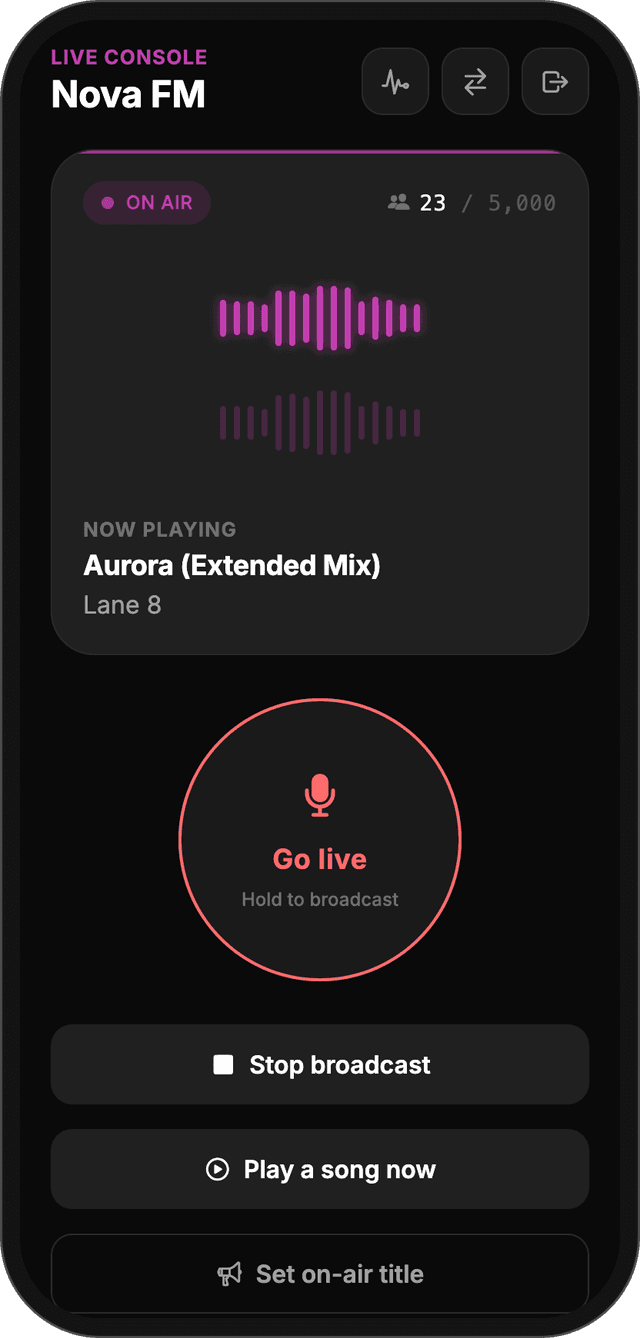
Every station gets a listen page to share and a player to embed on your own website. To speak live, click Go live in the browser or hold one button in the free Nobex Broadcaster app. When you stop, the music comes back by itself.
How long it really takes
Setup times are usually a marketing line, so we measured ours. We took every account created from 1 October to 23 November 2026 whose station went on air, and timed it from the moment the account existed to the first track played on the station.
| New stations that went on air | Time from account to first track |
|---|---|
| The fastest quarter | Within about 2 minutes |
| Half | Within about 5 minutes |
| About 6 in 10 | Within 10 minutes |
| Three quarters | Within about 21 minutes |
Measured on Nobex Radio, accounts created 1 October to 23 November 2026. Stations that never went on air are not counted. Signing up, choosing files and uploading are included; the email code comes before the account exists and is not.
Getting on air is the quick part. Building a library you are proud of takes longer, and so does music licensing if you play commercial songs.
The easy platforms, compared on setup
| Platform | Trying it | From | Going live | Watch out for |
|---|---|---|---|---|
| Nobex Radio | Free test mode — real station on air, no card7-day money-back guarantee — real station on air | $29/month | One button in its own phone app, or one click in the browser | Music licensing is yours to arrange; free test mode lasts 7 days and streams to a small number of listenersevery plan is paid, with a 7-day money-back guarantee |
| Radio.co | 14-day trial | $35/month | Encoder; a browser live studio from $59 | The $35 plan has 2 GB of storage |
| RadioKing | 14-day trial, no card | $34/month | From its web manager or an encoder; third-party apps on phones | Phone apps for listeners are add-ons |
| Airtime Pro | Trial, no card | $9.95/month | Not described on its pricing page | The $9.95 plan allows 10 listeners at 64 kbps |
| Live365 | 14-day trial | $65/month with its ads | Its own app or an encoder | 1,500 listening hours on the entry plan |
| Zeno.FM | 7-day trial | Varies by country | Icecast encoders; it recommends a third-party iPhone app | The entry plan holds 500 AutoDJ tracks |
Read on each provider’s own website on 25 November 2026, monthly prices before any seasonal discount. Where a provider’s pricing page does not describe going live, we used our September 2026 comparisons.
Some providers advertise very short setup times: RadioKing says you can launch in 1 minute and Airtime Pro says under 2. Those are their own claims and we have not tested them. Our table above is a measurement of real stations, which is why it is slower than a slogan.
Which one is easiest for you
- You want to start today with your own music, or talk from your phone: Nobex Radio. There is nothing to install and no encoder to configure.
- You want a long-established brand and will pay a little more: Radio.co. See Nobex vs Radio.co.
- You like to read and take courses first: RadioKing. It has a large help library. See Nobex vs RadioKing.
- You play commercial music in the US and want no paperwork: Live365. It bundles licensing for listeners in the US, Canada and Mexico, which for that station makes it the easiest overall.
- You want it free and enjoy running a server: AzuraCast. It is excellent, and it is not the easy route. See Nobex vs AzuraCast.
- You only want the cheapest possible stream: a budget Shoutcast or Icecast host. You will configure an encoder yourself. See the full hosting comparison.
The one step no platform can skip
If you play music you did not make or license directly, someone has to hold the licences for it. Nobex provides the broadcasting, not the rights. Your own recordings, talk and directly licensed music are the simple case. Elsewhere the bodies differ by country, for example SGAE, AGEDI and AIE in Spain, or SoundExchange plus ASCAP, BMI and SESAC in the US. Start with the licensing guide; this is not legal advice.
Easy radio setup, asked and answered
Which online radio is the easiest to set up?
Nobex Radio is among the easiest because there is no server, encoder or software to set up: you create an account, choose your music and your station is on air. Of new stations that went on air from 1 October to 23 November 2026, half did so within about 5 minutes of creating the account. Radio.co and RadioKing are also easy, and Live365 is the easiest choice for a US station that wants music licensing included.
Can I set up an online radio station with no technical skills?
Yes. On a managed platform you use a web page: make an account, upload songs and press one button. You only need technical skills if you run your own server, as with AzuraCast, or use a bare Shoutcast or Icecast host.
Can I set up a radio station from my phone?
Yes. On Nobex you can sign up and add songs in your phone’s browser, and go live with one button in the free Nobex Broadcaster app for iPhone and Android. If your music is on your computer, we email you a link that continues there.
Does my computer have to stay on?
No. With a cloud platform the station plays from the provider’s servers 24 hours a day, so you can switch your computer off.
Can I try it before I pay?
Yes. Every new Nobex account starts in free test mode with a real station on air, and no card is needed. When you subscribe you are billed that day, and every paid plan has a 7-day money-back guarantee.Every plan has a 7-day money-back guarantee: subscribe, put your station on air, and if it is not for you, cancel within 7 days for a full refund.
Do I need any equipment?
No. A phone or a computer is enough. A microphone helps if you talk on air, but a phone’s own microphone is fine to begin with.
Keep reading
Ready to put this into practice?
Start free and be on air in under five minutes — no software to install.Pick a plan and be on air in under five minutes — no software to install.
Start streaming freeStart streaming